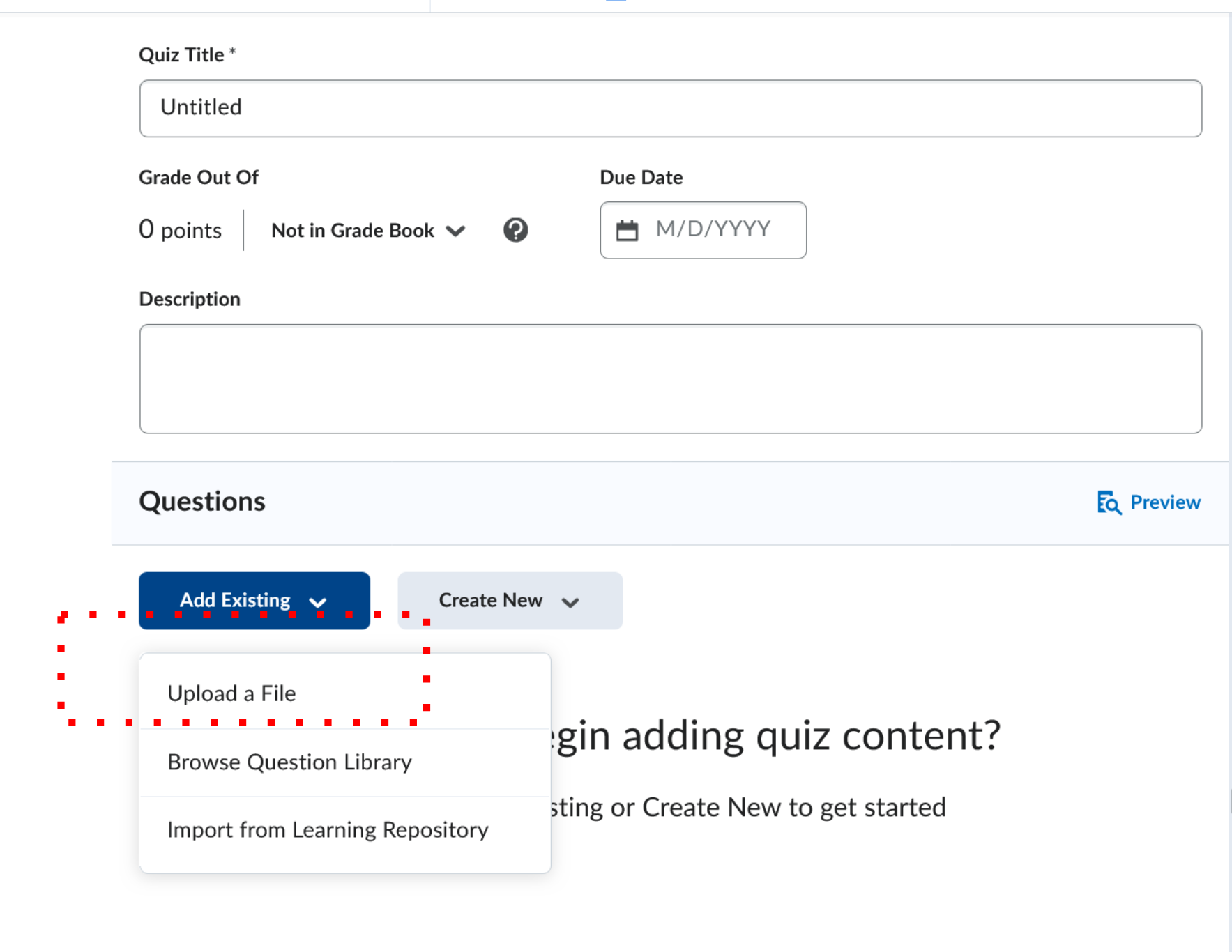
01
Download Installer
Choose your platform and download the latest stable build.
Download Grader
Save time, improve feedback, and support student success with a clear grading workspace built for educators.
Need a walkthrough?
See how LLMGrader handles rubrics, feedback, and review workflows with a guided tour built around your classroom needs.
How To Install
01
Choose your platform and download the latest stable build.
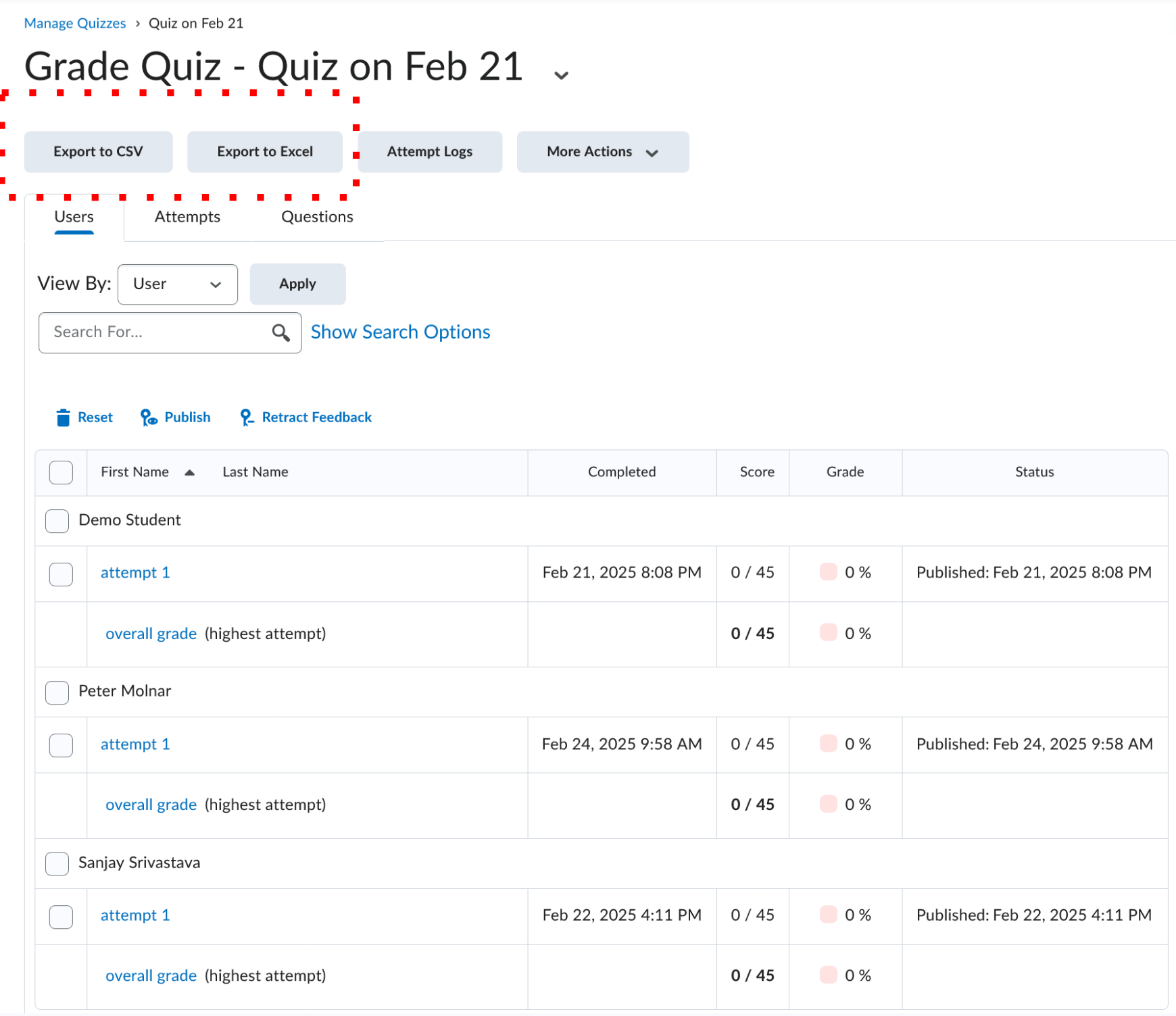
02
Open the installer and follow the on-screen instructions.
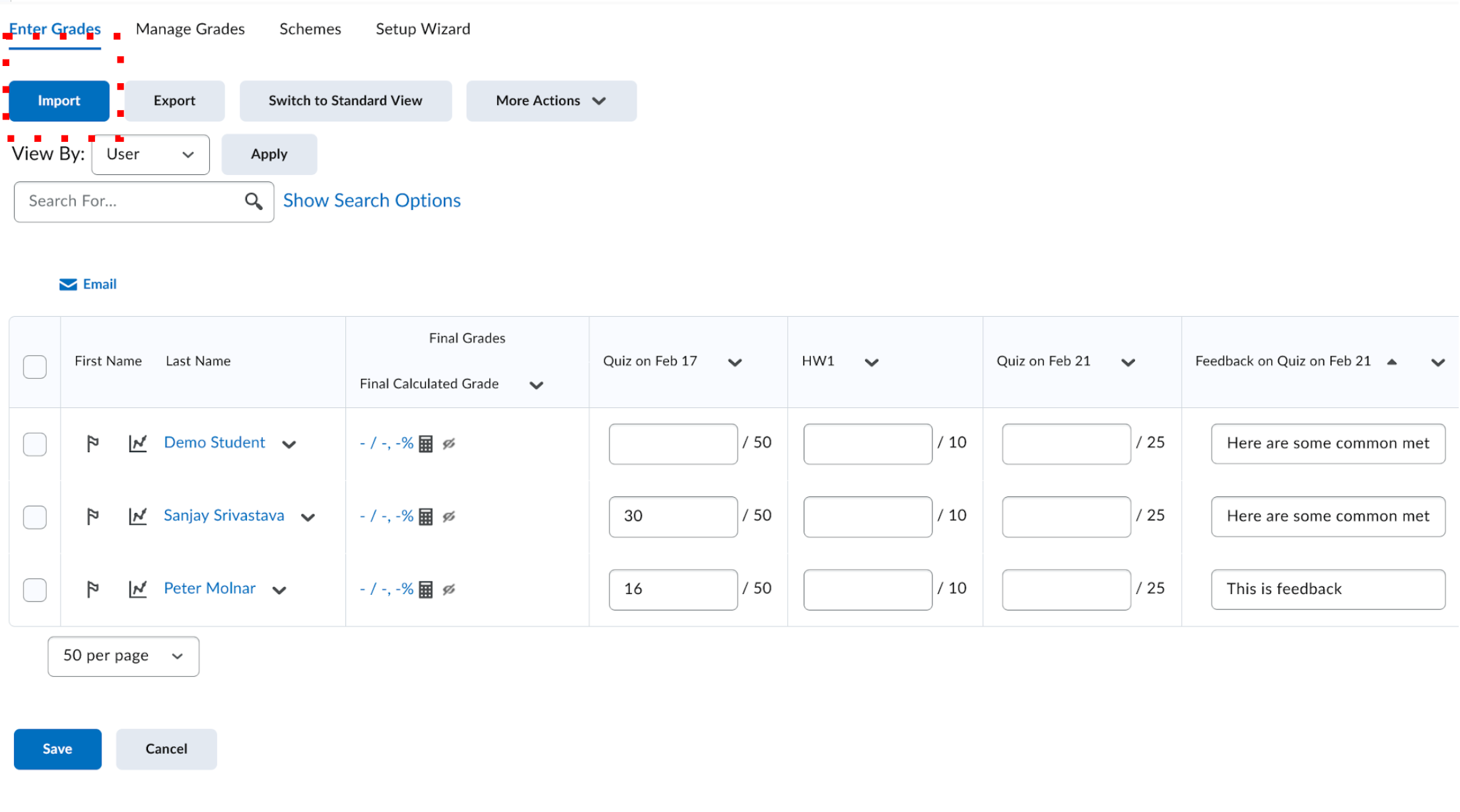
03
Sign in and start grading with your preferred rubric flow.
Installation Questions?
If the download, setup, or first launch does not look right, visit Help & Feedback to ask a question or report the issue.